Filming guide
Setting up for your interview.
Your interview is recorded through Zoom, a simple link we send you ahead of the session. The diagrams below show how to position yourself for the best possible result.
Always film in landscape
Hold or place your device sideways so the picture is wider than it is tall. Portrait video leaves black bars on either side of the final film and looks awkward on a television.
Place the camera at eye level
Rest your phone, tablet or laptop on a stack of books or a small box so the lens sits level with your eyes. Looking down into a camera is unflattering and feels closed off. Eye level feels natural and engaged.
Sit beside a window, not in front of one
Soft daylight from the side is the most flattering light there is. Position yourself so a window is to your left or right, lighting one side of your face. Never sit with the window behind you. The camera will turn you into a silhouette.
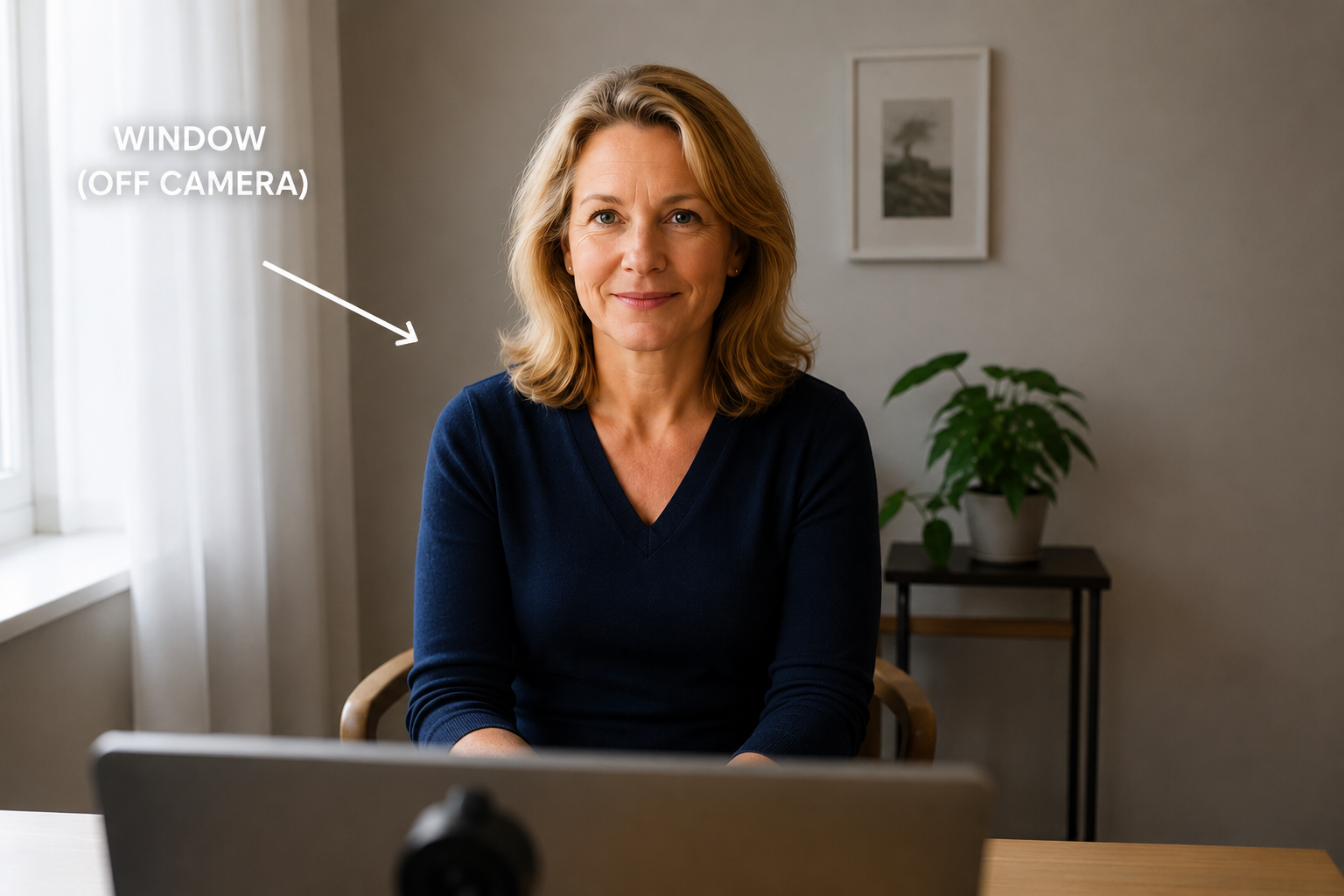
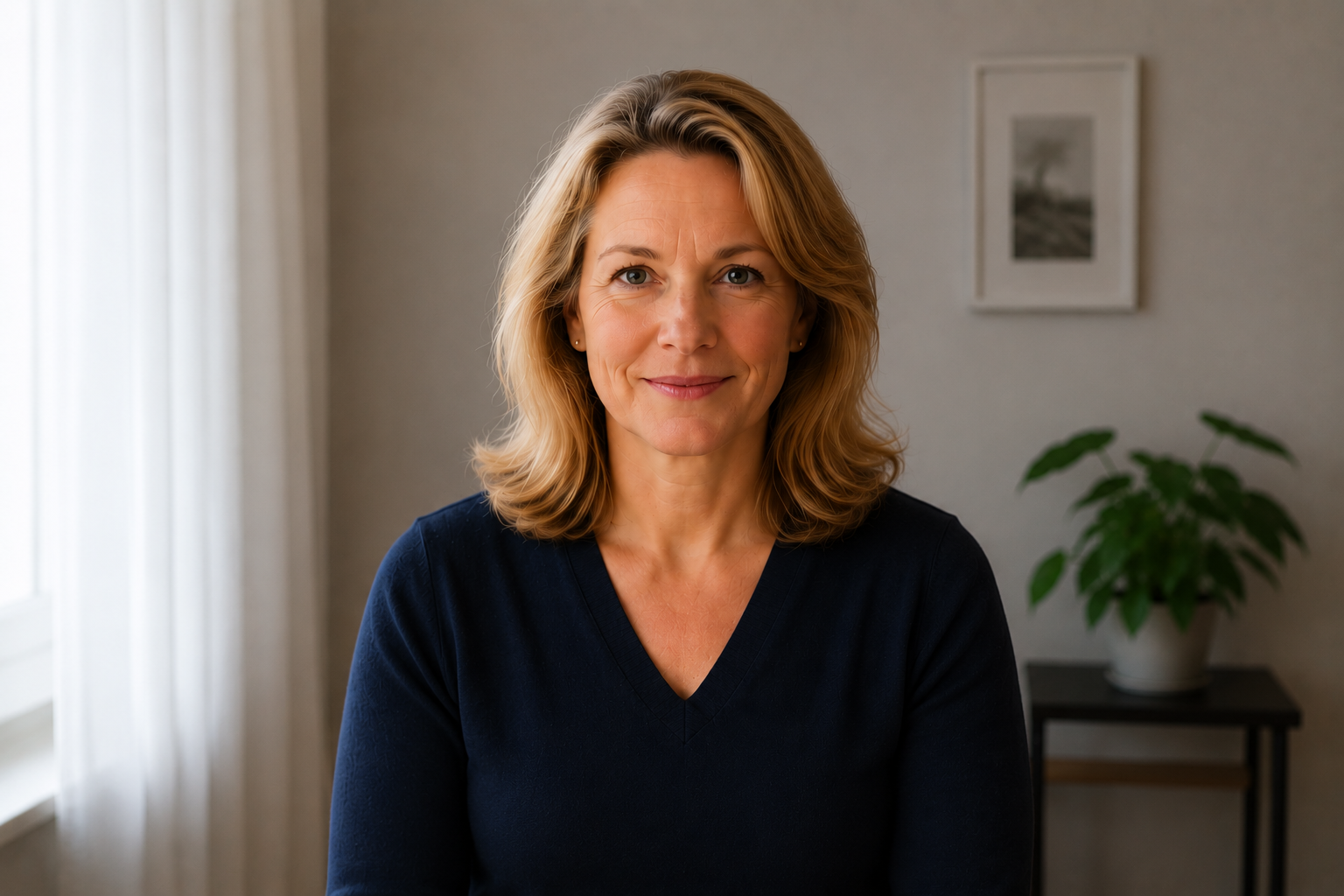
Frame yourself from the chest up
Sit roughly an arm's length from your device. Your head and shoulders should fill most of the picture with a small amount of space above your hair. Avoid sitting too far back.
Before you start
- · Quiet room, doors closed, phone on silent
- · Device plugged in or fully charged
- · Strong wifi signal or wired internet
- · A glass of water within reach
- · Any photographs or keepsakes you might want to mention
07855 480 773